WindowInner
This section covers the WindowInner component, its use, capabilities, and style variations.
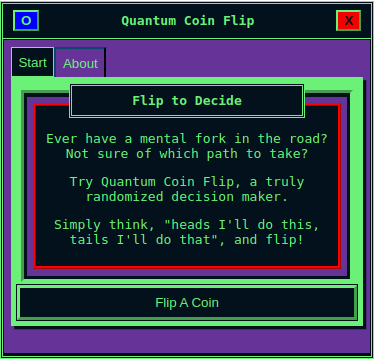
Purpose
WindowInner is an actionable interaction for users, just like your standard HTML button.
The WindowInner component receives and acts upon a function, defined as an action, and references a set of values.
Usage
WindowInner expects the following to be passed as parameters:
- label: The text label for the button.
- action: The onClick for the button.
- value: The value to be referenced within the onClick.
Reference the Core Example to see basic usage.
This will create a button, a function on which it interacts, and a value which it uses in the function.
Core Example
import Button from 'futurist-components';

function App() {
    let count = 0;
    function increaseCount(value) {
        count += value;
    }
    return (
        <>
            <Button label="click me" action={increaseCount} value={1} />
            <br />
            <span>The count is: {count}</count>
        </>
    )
}
Advanced Usage
Button includes additional parameters for theme variations and alternately accessible parameters from the button.
Optional Styles
By passing the variant parameter, styling can change.
There are two variations:
- default: Automatically referenced.
- inverted: A separate theme styling.
An example of usage would be similar to the Core Example but with the extra parameter passed:
<Button label="click me" action={increaseCount} value={1} variant="inverted" />